The Grind: Your Session Is Not Backed Up Until You Can Restore It
A released song may be easy to find online while the session behind it is one broken laptop away from disappearing. The public master does not contain your editable vocal comp, the alternate arrangement or the instrumental a future collaborator may need.
An archive should preserve your ability to work again. That requires more than dragging a project file into a folder called Backup. The practical standard is simple: can you restore the material, identify the intended version and hear the song correctly?
Start by making the project complete
A session can point to audio stored elsewhere on your computer. Copying only the session document may leave those files behind. In Ableton Live, for example, the company’s Collect All and Save documentation explains that ordinary saves store references to media. Its collection workflow copies selected media into the project; plug-ins still need separate installation. Ableton also specifies copying the entire project folder when transferring it.
Use the equivalent media-collection or project-copy workflow for your own workstation, checking its current documentation. Test on a copy before cleaning up anything. A folder that looks tidy is not necessarily complete, and removing supposedly unused audio can affect another session that still references it.
Archive two useful forms of the music
Our recommended archive has an editable layer and a rendered layer. The editable layer holds the native session and its collected assets. The rendered layer holds clearly identified audio that remains useful even if a software instrument or effect is unavailable later.
Keep the approved mix and master, plus the alternate deliverables you actually commissioned or created. For important virtual instruments or unusual processing, consider printing audio while retaining the editable original. If you export stems for future reconstruction, document their start point and processing so another person can understand what they contain.
Do not assume that stems will reproduce every interaction in a complex session. Group processing, returns and master-bus behavior can make reconstruction different. Play the rendered material and check that it serves the purpose you intend.
Write a readme your future self can use
At the top of the project folder, keep a plain-text note with the song title, tempo, key if relevant, main session filename, workstation version and significant plug-in dependencies. Identify collaborators and the person who holds the final approved files.
Record the approval date and the relationship between versions. “Mix 07 approved; master 03 approved from that mix” is more useful than three files named final. Include any known limitations, such as an effect that must be printed before moving to a new computer.
Keep credentials out of this document. It should describe the work without becoming a shared list of account passwords or private access keys.
Give backups separate failure paths
The Canadian Centre for Cyber Security’s backup guidance recommends three copies across two media types, with one offsite, and stresses testing recovery. It also recommends an offline backup and protecting sensitive material through measures including encryption and multifactor authentication.
For a music project, translate that into a deliberate arrangement of working files and independent backup destinations. Two folders on the same drive share a physical failure point. Two drives stored in the same bag share a theft risk. A continuously synchronized copy may also reproduce an accidental deletion, depending on the service and its retention settings.
Inspect what your backup or synchronization service actually retains. Find out how to retrieve an older version, how long deleted files remain recoverable and whether local placeholders mean the full files are present. Decide how much recent work you can afford to lose, then set the backup frequency around that decision.
Do a restore rehearsal
Choose one completed song. Restore it to a separate location without overwriting the working original. Open the restored session and check for missing media or unavailable processing. Play from the beginning and inspect the transitions, ending and important alternate versions.
Then locate the approved mix using only the readme and folder names. If you have to search an old group chat to identify it, the archive still needs work. Write down the date of the test, what failed and what you fixed.
Repeat the exercise when a major part of the setup changes, such as the computer, workstation or storage arrangement. A backup that worked last year does not prove that today’s project dependencies are preserved.
Make closing a session part of the creative routine
Reserve the last few minutes of significant work for saving a meaningful version, confirming that new recordings are included and checking the backup result. At release completion, finish the readme and restore test while everyone still remembers the decisions.
This is not glamorous work, but it protects expensive creative time. A usable archive lets an artist revisit a vocal, prepare a live arrangement or answer a collaborator’s request with confidence. The achievement is not owning more copies. It is knowing that the music can come back.
Sources and working notes
This guide combines the primary resources linked above with Exposed Vocals’ practical editorial recommendations. Sources checked October 28, 2026.
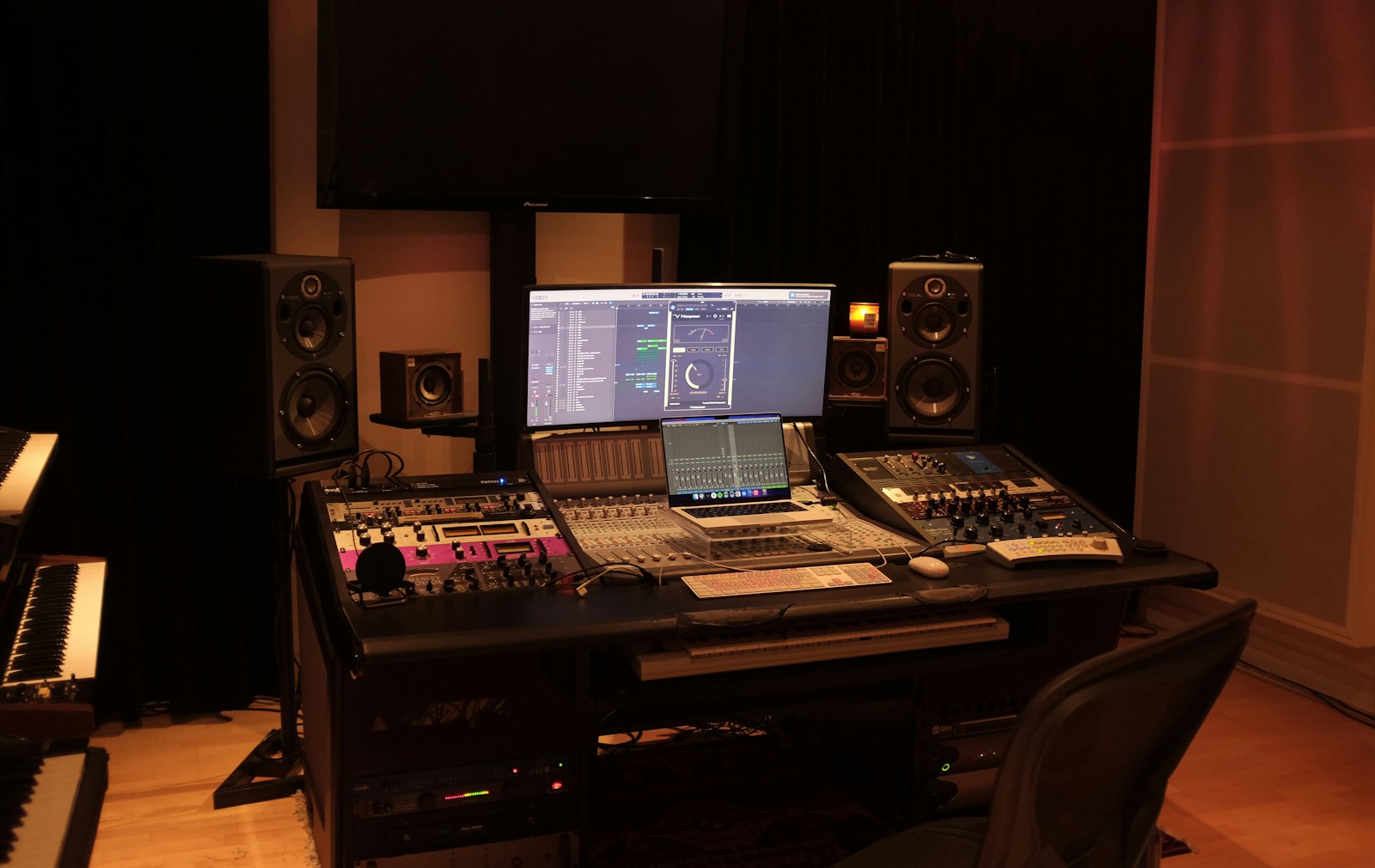
Featured stock photograph by Techivation via Unsplash, used under the Unsplash License. Illustrative image; no endorsement implied.
Keep reading
Back to The Grind ↗
From this section
The Grind: Give Mix Notes an Engineer Can Actually Use
October 28, 2026
From this section
The Grind: Advance the Show Before You Load the Van
October 28, 2026
From this section